
Start Right. Right Now.

The smart pilot's logbook — and the people around it

Log Scan Pro keeps your flight records accurate from the first entry, then connects you to your instructor, your flight school and — only with your authorization — your insurer.

The logbook is always freeWorks entirely on its own — no CFI or FBO required
Pilot with a tablet standing beside a single-engine aircraft in a hangar
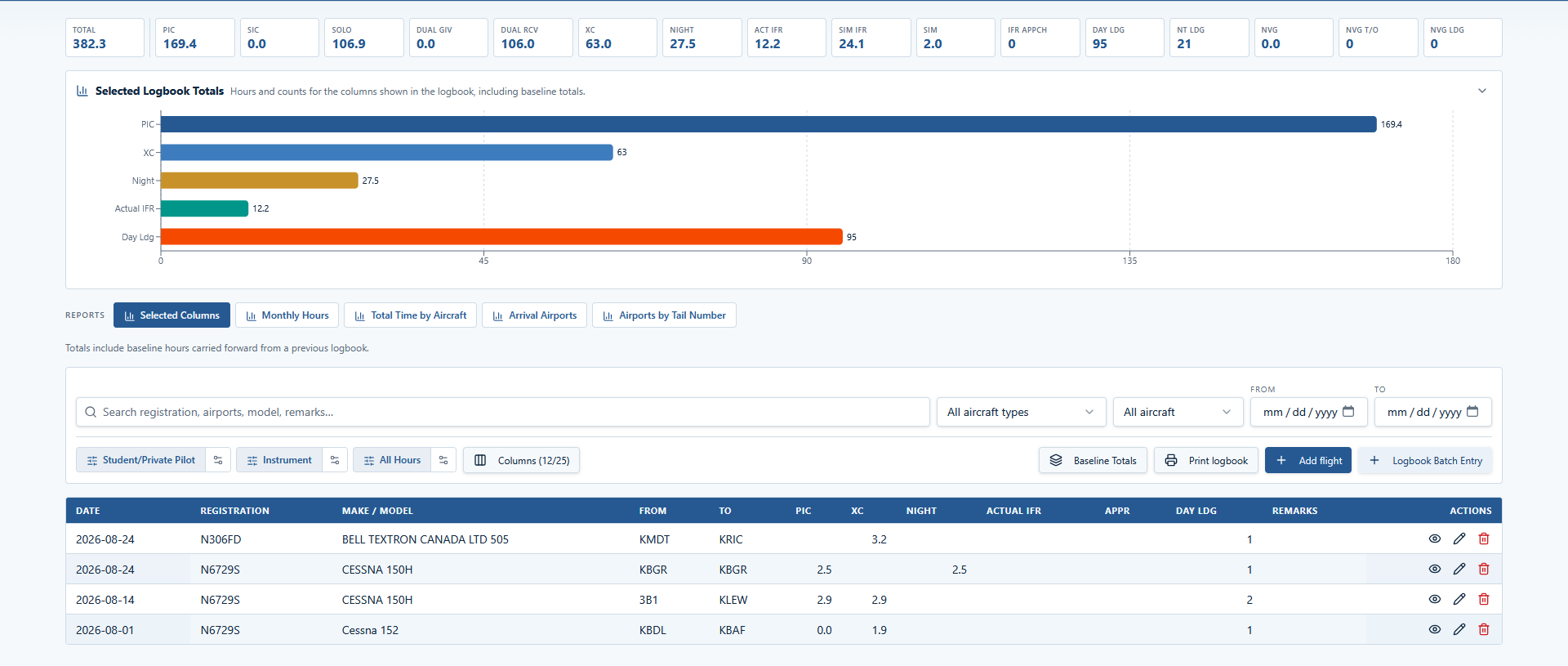
Log Scan Pro pilot logbook dashboard showing totals, a selected-totals bar chart, filters and the logbook entry grid
The pilot logbook dashboard — totals, charts, filters and a searchable entry grid. Free forever, and fully usable on its own without any school or instructor account.

How Log Scan Pro is built

Log Scan Pro is one system with five kinds of account. Nobody's records are copied between them. A pilot owns their logbook; an instructor owns their certificate record; a school owns its roster and aircraft; an insurer receives reports. Everything else is a relationship that both sides confirm, and that can be ended without erasing the history already signed. The pilot logbook stands on its own — you never need a CFI, FBO or insurer account to log, validate, chart and print your flights, and it's free for life.

Pilots & students

Own their logbook, vault and reports.

CFIs

One central instructor record, school or independent.

FBOs & schools

Rosters, aircraft, scheduling.

Insurers

Reports only, with authorization.

Records stay with their owner

Access is granted by relationship, never by browsing.

History is preserved

Signed endorsements and reports keep a snapshot of the moment they were made.

Authorization is explicit

A pilot report is only produced when that pilot authorizes it.

Who it's for

Pick the account that matches your role. Pilot accounts are active right away; the others are reviewed and approved before the extra role is granted.

Student pilot writing in a logbook in the cockpit of a training airplane

Pilots & students

A logbook that checks your work

Every entry is validated against 14 CFR § 61.51 as you type, so mistakes are caught on the ramp instead of at a checkride.

  • The logbook is free for life and works on its own — no CFI, FBO or insurer account needed
  • Searchable logbook grid with column toggles, three programmable filters and landscape print output
  • Baseline totals when you move over from a paper or another digital logbook
  • Currency, endorsements, flight reviews and the Pilot Vault for certificates and medicals
  • Charts for monthly hours, aircraft totals and airports flown
  • Go/No-Go analysis and Milestones training tracks built in

Already have a logbook? Bring your hours, not your paperwork.

You don't re-key years of flights. Count back 91 days: add up your logbook totals as of that date and enter them once as a baseline totals record — your totals and charts start from your real experience. Then log the flights from the last 91 days individually so your § 61.57 takeoff-and-landing currency is current from day one.

  1. 1

    Create your free pilot account — active immediately.

  2. 2

    Count back 91 days — add up your logbook totals as of that date (total time, PIC, night, landings, and the rest) and enter them as your baseline totals.

  3. 3

    Log your last 91 days of flights — currency is live, and you log forward from here.

Everything before that 91-day cutoff is captured by your baseline totals — no need to enter it flight-by-flight.

Start with LSP Free
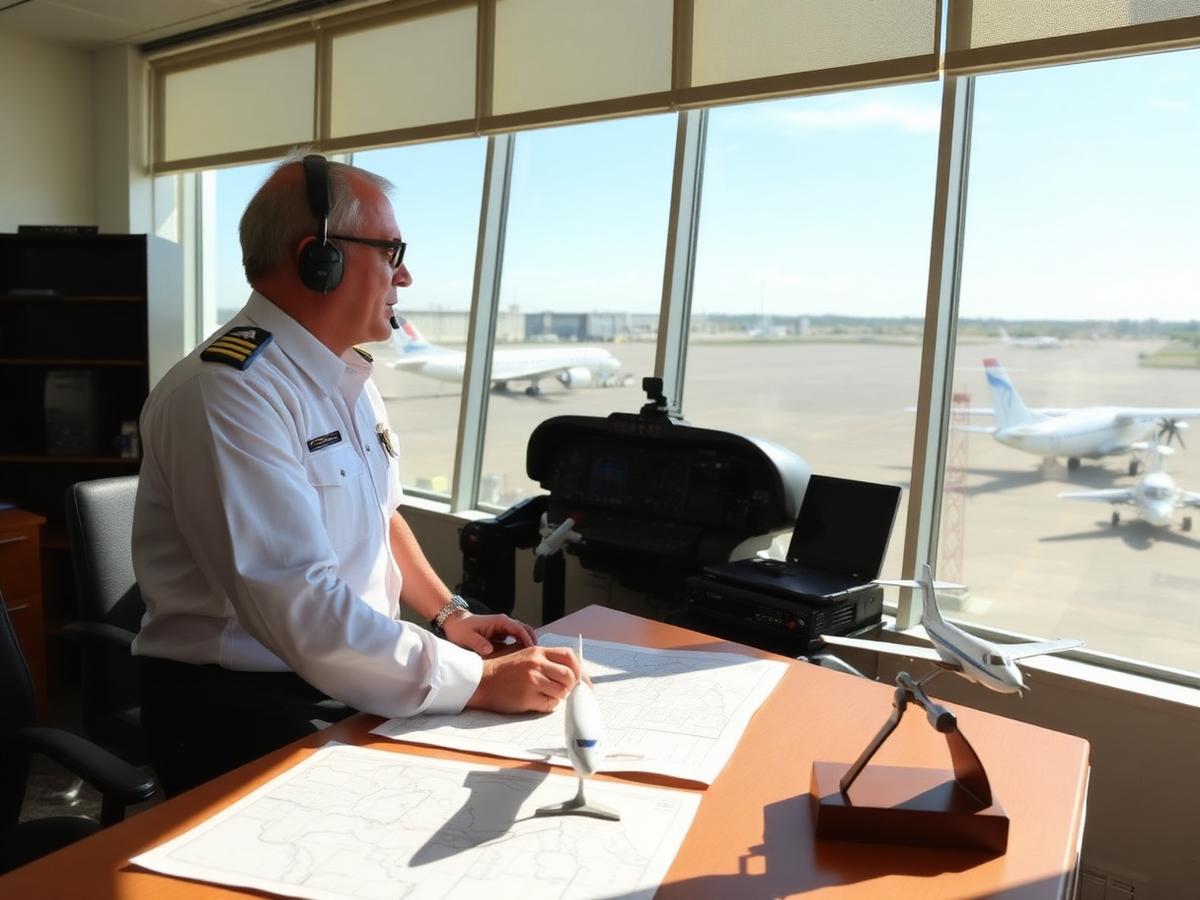
Flight instructor reviewing charts at a flight school desk overlooking the ramp

CFI — flight school / FBO

Teach at a school, keep one instructor record

Your certificate, ratings and signature live on one central CFI record that follows you between schools. Signed history stays intact when a relationship ends.

  • Endorsements generated from AC 61-65 text, printed on demand and linked to the aircraft used
  • Flight reviews and instrument proficiency checks with automatic endorsement text
  • Student roster from the schools that have confirmed you
  • Two-way approval: the school confirms you, and you confirm the school
  • You can create a school CFI account before your school is in Log Scan Pro and link to it later once the FBO joins — schools normally add and confirm their instructors themselves
Independent flight instructor with a tablet beside a single-engine aircraft at sunset

CFI — independent

Your record, your students, no school required

Self-employed instructors control their own CFI profile and work directly with the pilots who hire them.

  • Own and maintain your CFI record, ratings and recent-experience dates
  • Invite pilots and post endorsements straight into their logbooks
  • Instruction rates and business details on your own profile
  • Join a school later without losing any signed history
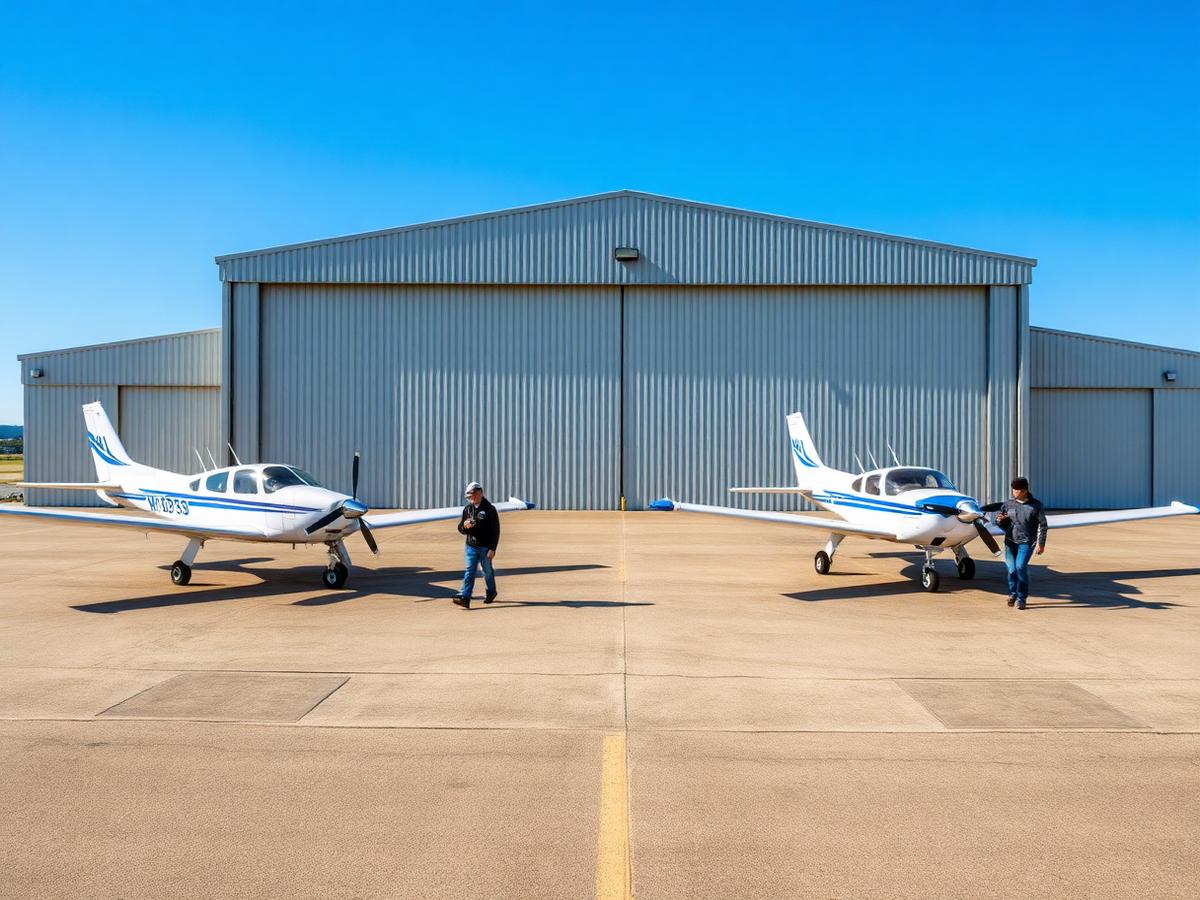
Training aircraft parked on the flight line in front of a flight school hangar

FBO & flight schools

Instructors, aircraft and students in one place

Run the roster without duplicating anyone's records. People and aircraft are connected to your organization by relationship, not by copying data.

  • CFI roster with mutual approval and full relationship history
  • Aircraft records with availability, checkout requirements and insurance requirements
  • Student and pilot roster with inline training stage and notes
  • Scheduling for aircraft, instructors and facilities
  • Connect to your insurer through a confirmed organization connection request
Aviation insurance underwriter reviewing flight data charts on office monitors

Insurers

Statistics you can underwrite, without open record access

Insurers do not browse pilot files. Log Scan Pro delivers purpose-built reports, and any individual pilot report requires that pilot's authorization.

  • Report catalog and a builder with saved column and filter templates
  • FBO customer grid with editable aircraft insurance requirements
  • One-off pilot logbook reports, authorized by the pilot and delivered as a dated snapshot
  • De-identified aggregates and CSV export for analysis

Beyond the logbook

Milestones

Private, Commercial and Instrument training tracks that run at the same time — blended training the way it actually happens. The basic milestones are part of the free logbook: phase ladders and progress measured from your real logbook entries, training-item selection and personal notes. Premium adds the instructor side — phase-by-phase grading, written comments on each milestone, readiness and safety flags, signed stage records, and a printable lesson plan built around where you actually stand.

IFR Insights

The premium version of the free IFR milestones. The free IFR milestones track the rating checklist and your progress basics; IFR Insights adds expanded approach logging, per-approach analysis with training suggestions, and CFI comments on your instrument work — the detailed instrument product when the progress basics aren't enough.

Go/No-Go

The crown jewel of Log Scan Pro. A written risk analysis for a specific flight — weather and NOTAMs, terrain and obstacles, fuel and reserves, daylight and circadian factors, plus hazard bars and an at-a-glance verdict. Built to help you catch what a glance at the weather would miss, before you walk to the airplane.

The crown jewel

Go/No-Go — the analysis that can save a flight

More than a weather glance, Go/No-Go turns the details of a specific flight into a written risk analysis you can actually act on. It reads the route, the aircraft and the conditions, then gives you hazard bars and a clear verdict — the kind of second look that catches a problem before you're on the runway.

Weather & NOTAMs

Live METARs, TAFs and NOTAMs for departure, destination and the route between them, captured with timestamps.

Terrain & obstacles

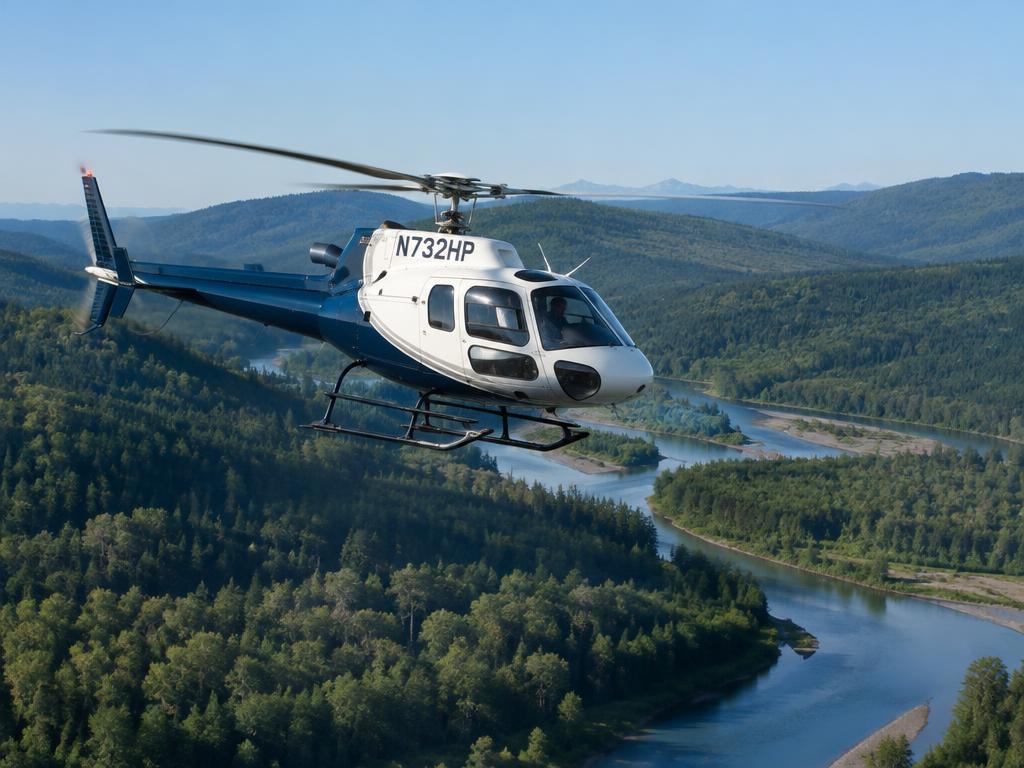
Corridor obstacle and elevation scanning, with MSA awareness — especially valuable for low-level and rotorcraft operations.

Fuel & reserves

Planned fuel and reserves checked against the route and waypoints, so the math is done before engine start.

Light & circadian

Sunrise, sunset, civil twilight and moon phase, plus circadian-factor awareness for late or early flights.

Hazard bars

An at-a-glance risk strip across every factor, so the verdict is obvious in seconds, not minutes.

A written verdict

A narrative report you can print, save to PDF, or email — not a checklist, a real analysis for the flight you're about to fly.

Start with LSP Free

The free logbook already includes the basic Milestones for Private, Commercial and IFR — progress basics measured from your own entries. Upgrade only when you want instructor grading and comments, or the deeper IFR Insights and Go/No-Go tools.

Included free in the logbook

  • Basic Milestones — Private, Commercial & IFRincluded in the logbook

Basic milestones track your progress basics from your own logbook entries — phase ladders, training-item selection and personal notes. Premium upgrades add instructor grading, comments, sign-offs and lesson plans.

Premium training tools

  • Private Pilot Milestones — Premium$39.99one time
  • Commercial Milestones — Premium$49.99one time
  • IFR Insights (premium IFR track)$69.99one time
  • Private + Commercial Bundle$79.99one time
  • Complete Career Training Bundle$129.99one time

Go/No-Go

  • First three reportsFreecomplimentary
  • Every report after$4.95per report
  • LSP Loyalty BonusFreeevery fifth post-trial report

The free logbook includes basic Milestones for Private, Commercial and IFR — progress basics measured from your own entries. Premium Milestones add instructor grading, comments, readiness and safety flags, signed stage records and printable lesson plans. IFR Insights is the premium version of the free IFR milestones: it adds expanded approach logging, per-approach analysis with training suggestions, and CFI comments. Milestone and IFR Insights purchases remain active until the applicable course is completed. Go/No-Go has no subscriptions or long-term commitments. Your first three reports are complimentary; after that, each report is $4.95. As an LSP Loyalty Bonus, every fifth post-trial report is complimentary.

Sample Go/No-Go reports

Two illustrative examples, built from fictional flight data so you can see the format before you create an account. They are not briefings and must not be used for flight planning.

Fixed-wing cross-country — CAUTION

KPWM → KALB · Cessna 150H (N6729S)

A 162 NM evening VFR cross-country from Portland to Albany in a Cessna 150H. Legal and workable, but showers, a moderate turbulence PIREP, and a night arrival with runway lighting outages drive a CAUTION.

Open full page

Rotary-wing low-level route — NO-GO

KBWI → KRIC · Bell 505 (N306FD)

A 105 NM Bell 505 flight planned direct at 500 ft AGL. The weather supports daytime VFR, but 216 scanned obstacles at or above the planned altitude make the route unsupportable as filed.

Open full page

Start right. Right now.

Create your account and log the next flight properly.

Sign in or register